Screenshots
A tour of every panel, captured from the Windows desktop build at 800×480 against the bundled virtual printer (fake klippy + real mainline Moonraker), so the data on screen — temperatures, fans, macros, file list, print progress — is live API data, not mock pixels. All panels share the same UI code with the ESP32 firmware; smaller screens get the same layouts with a compact theme.
Home & printing
Main screen
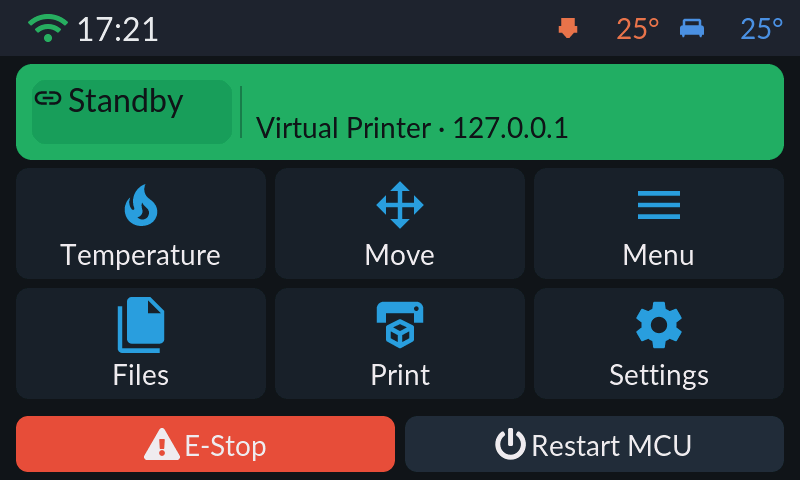
The status card shows the connection state at a glance (green = connected, yellow = disconnected, red = Klipper error) with the printer name and address, plus live print progress while a job runs. The grid jumps to Temperature, Move, Menu, Files, Print and Settings; E-Stop (M112) and Restart MCU (FIRMWARE_RESTART) sit at the bottom behind a confirmation dialog. Tapping the status card during a print jumps straight to the job status panel.
Job status
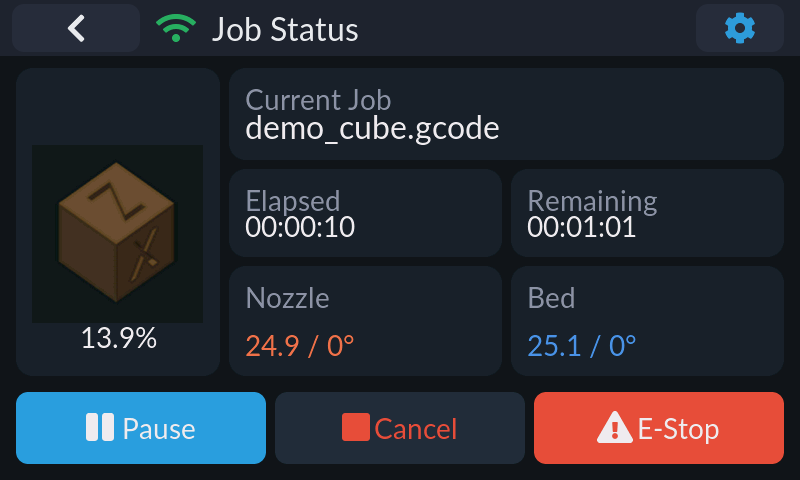
Live view of the running job: slicer thumbnail and progress percentage (on platforms with G-code thumbnail support; a progress ring otherwise), file name with layer counters, elapsed and remaining time, and current/target nozzle and bed temperatures — tap either temperature card to jump to the temperature panel. Buttons follow the job state: Pause/Cancel/E-Stop while printing, Resume while paused, Restart (reprint) and Main Menu after completion. The gear icon in the title bar opens Fine Tune.
Fine tune
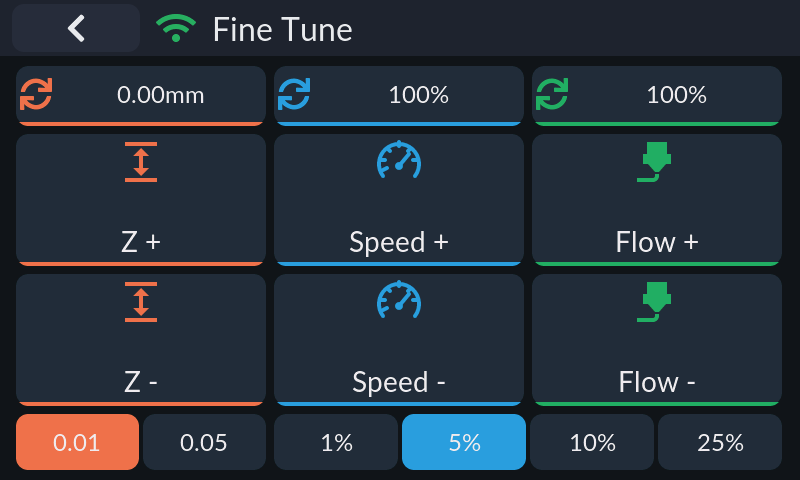
Runtime tuning while printing or paused: Z offset in 0.01/0.05 mm steps (tap the value to zero it), speed (M220) and flow (M221) in selectable 1/5/10/25% steps. Changes are runtime-only and never written to SAVE_CONFIG; the panel exits itself when the job ends. Available on Klipper-mode connections while a job is printing or paused.
Print files
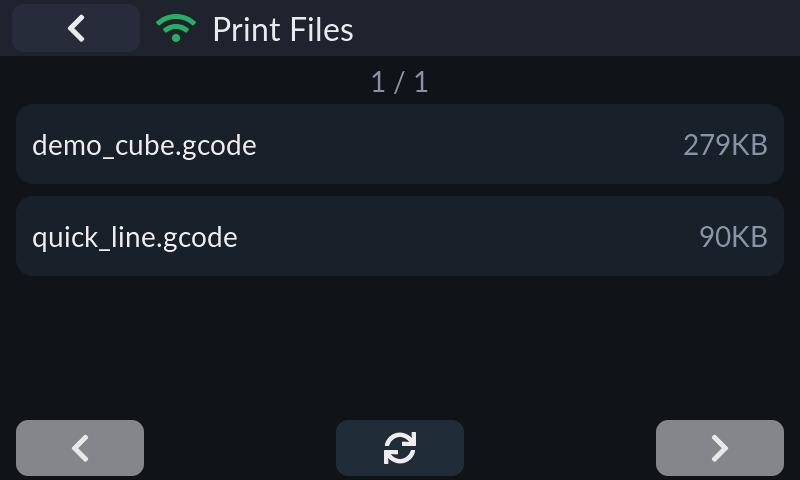
The G-code file list, eight rows per page with prev/next paging and a refresh button, sorted case-insensitively by path (ordering done by Moonraker). File names scroll when too long; sizes show in KB/MB. Tapping a file opens its detail page with print/delete actions (delete is a two-tap confirm). On ESP32 the list is fetched with a streaming parser, so memory use stays flat no matter how large the file library is.
Klipper controls (Menu)
Menu
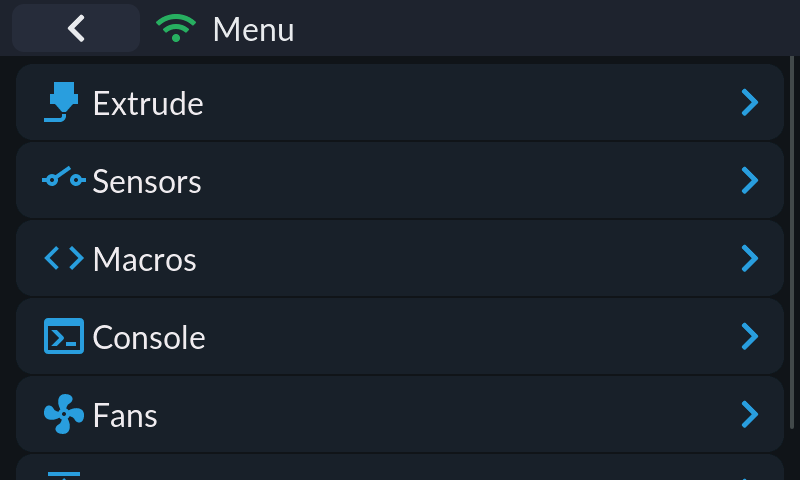
Entry point for the Klipper-only tools: Extrude, Sensors, Macros, Console, Fans and Z Calibrate.
Temperature
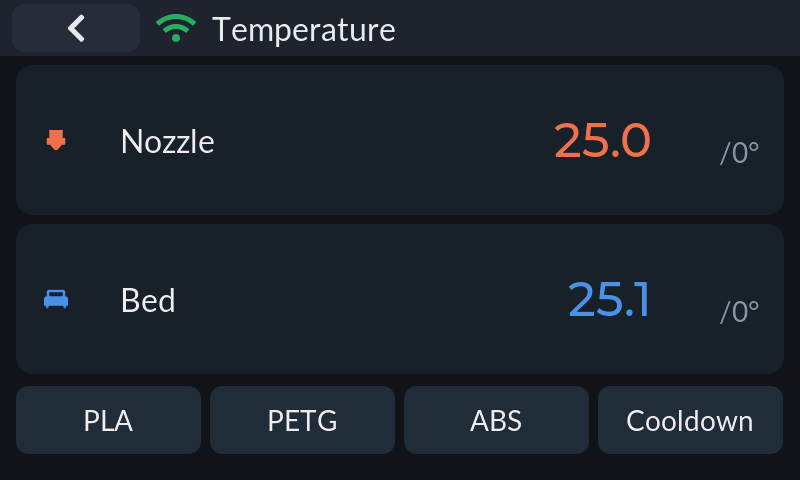
Nozzle and bed cards show current (0.1° precision) and target temperatures. Preset row: PLA / PETG / ABS / Cooldown. Targets can be typed into a keypad popup, or — with a rotary encoder — edited in place: press to enter edit mode, turn to adjust (fast turns auto-accelerate from 1°C to 10°C steps), and the value commits 300 ms after you stop. Read-only in Bambu cloud-monitor mode.
Move
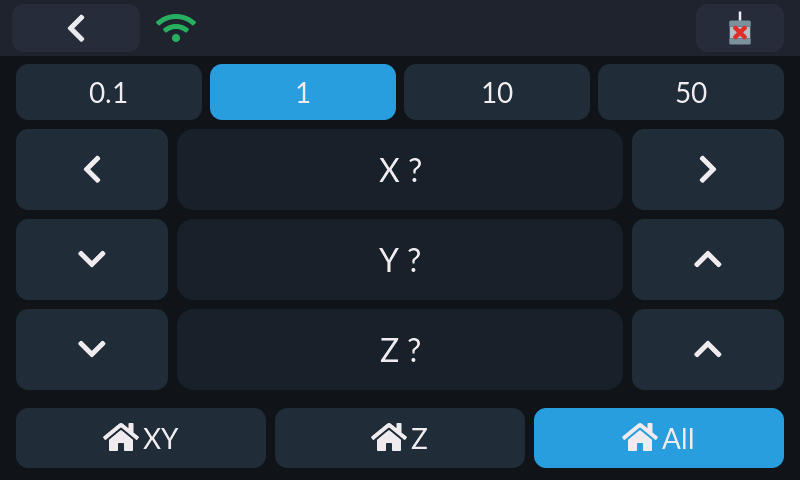
Jog X/Y/Z in 0.1/1/10/50 mm steps, with XY / Z / All homing buttons and a Motors Off (M84) button in the title bar (confirmation required). Axes that have not been homed show ? instead of a position.
Extrude
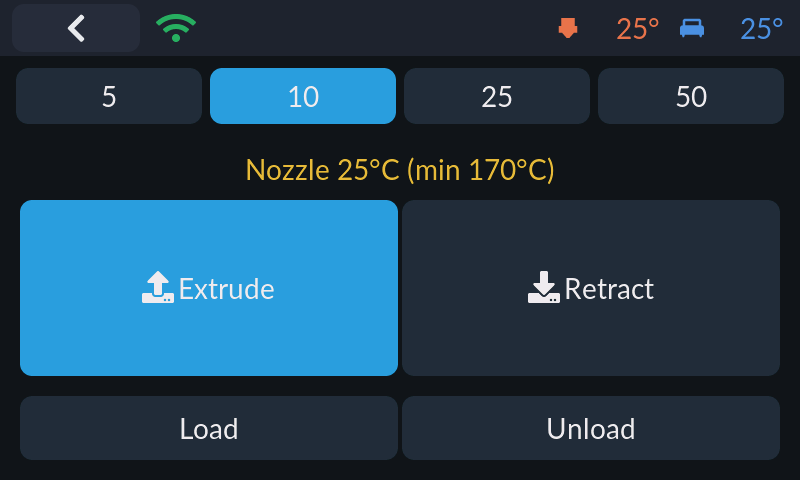
Extrusion amount selector (5/10/25/50 mm) with large Extrude/Retract buttons. The panel shows the live nozzle temperature against the minimum extrusion temperature and refuses to extrude below 170°C with a toast warning.
Fans
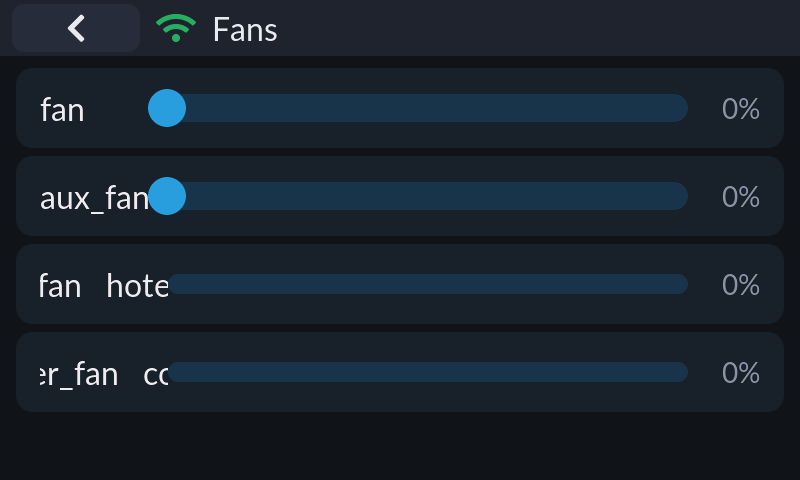
Every fan on the printer, one row each: controllable fans (part cooling, fan_generic) get a 0–100% slider that only sends M106/SET_FAN_SPEED when you release it; thermostat fans (heater_fan, controller_fan) show as read-only bars.
Sensors
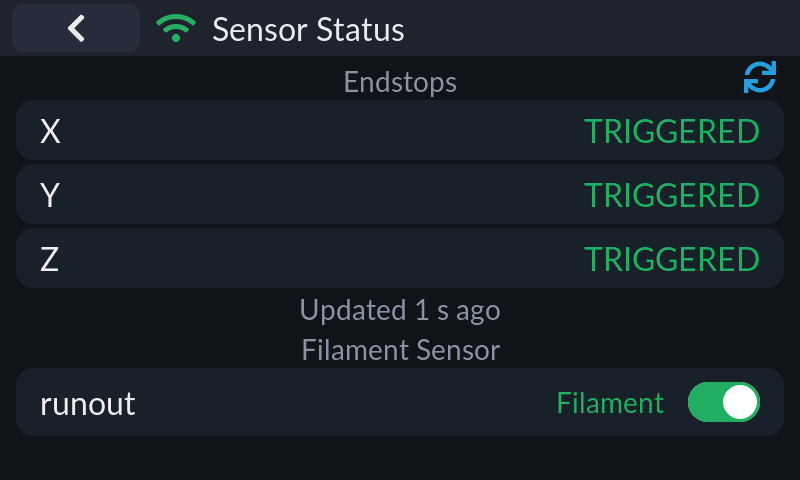
Endstop states for X/Y/Z (triggered/open/unknown) with a manual refresh button and an "updated N s ago" stamp, plus filament runout sensors with live state and an enable/pause switch.
Macros
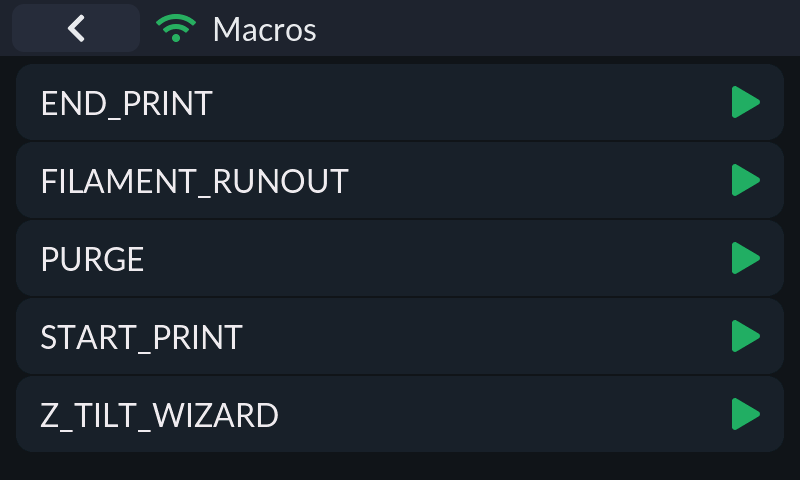
All G-code macros from the printer configuration; tap to run. On desktop builds each row also has a direct-run button, and parameterized macros get an edit button that opens a per-parameter form (defaults pre-filled from {params.X|default(...)}) before execution.
Console
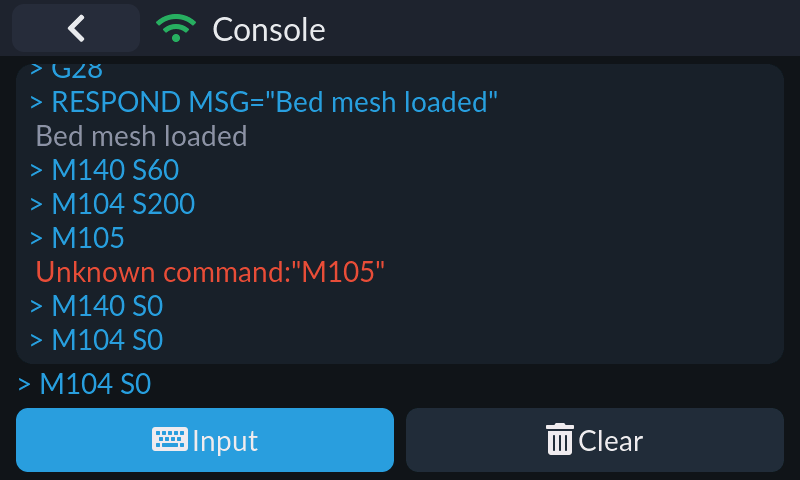
A G-code terminal: scrollable response log colored by type (commands, errors, warnings — M105 temperature polls are filtered out), a command entry with on-screen keyboard, and a clear button. History comes from server.gcode_store, live lines from notify_gcode_response.
Z Calibrate
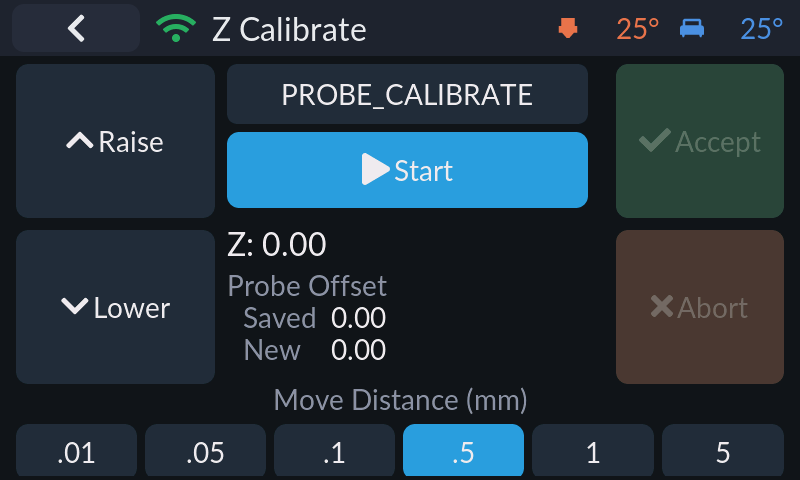
Guided first-layer calibration modeled on KlipperScreen: pick PROBE_CALIBRATE or Z_ENDSTOP_CALIBRATE, raise/lower the nozzle with TESTZ in six step sizes (0.01–5 mm), then Accept to save or Abort (with confirm) to discard. Calibration state is driven by the manual_probe.is_active subscription.
Settings
Settings
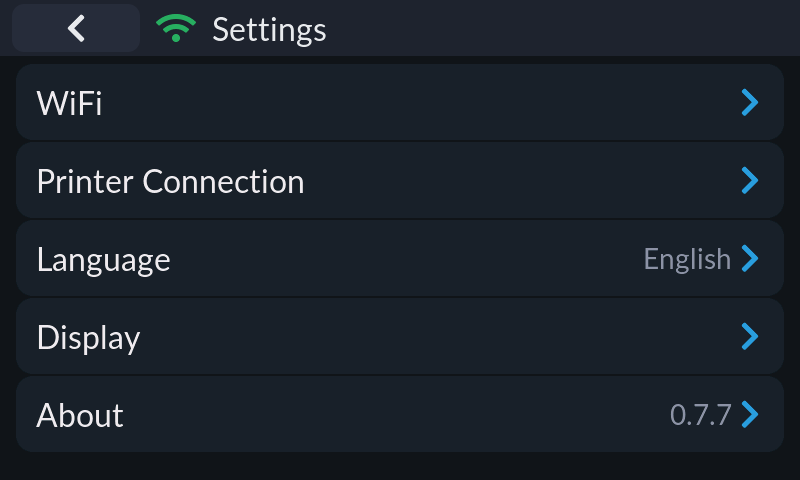
Hub for Wi-Fi, printer connection, language, display settings and the About page (with version). The Wi-Fi row only appears on platforms with Wi-Fi support.
Printer connection
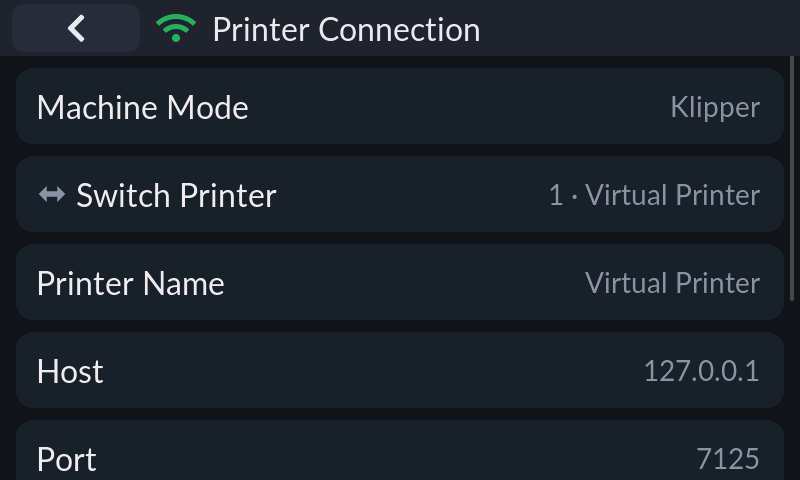
Per-slot connection editor: machine mode, printer switcher, display name, host, port (default 7125) and API key (masked). With a rotary encoder the host field opens a dedicated octet-by-octet IPv4 editor; touch/keyboard uses a text box. Save & Connect persists and reconnects immediately; the status line shows the live connection state including a heartbeat latency in ms.
Printer switcher
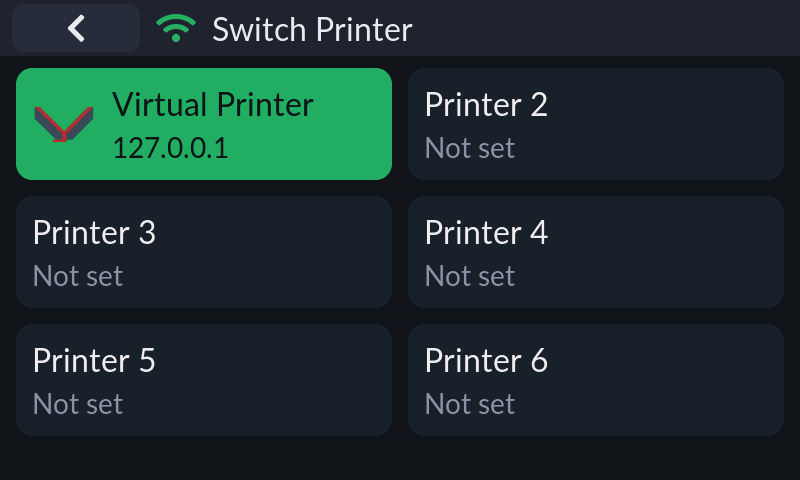
Six printer slots in a 2×3 grid, each with a mode logo (Klipper/Bambu), name and address; the active slot is highlighted. Tapping a slot switches the active connection immediately.
Machine mode
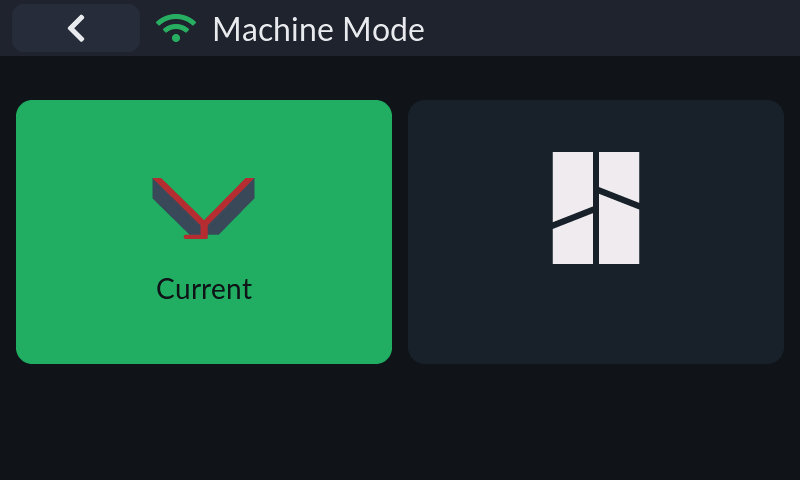
Switches the slot between Klipper (Moonraker) and Bambu Lab modes with a confirmation dialog; the mode decides which panels and capabilities are available.
Display settings
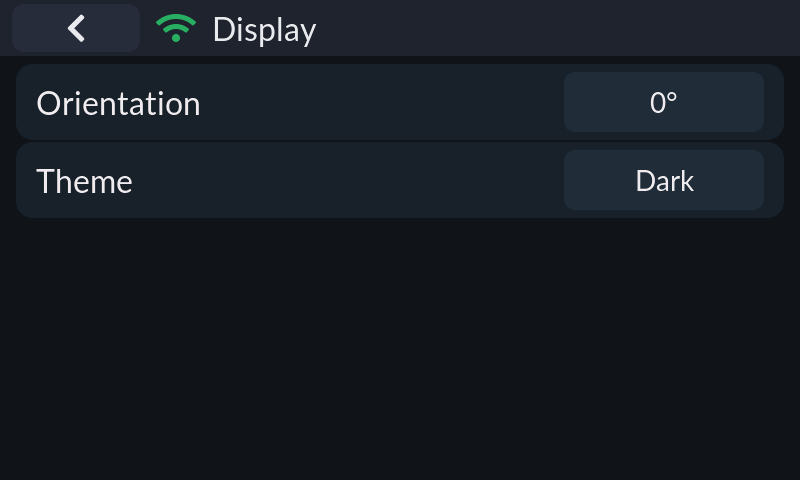
Display-related options in one place: color inversion / 180° rotation / horizontal mirroring (on panels with hardware support), screen orientation (0/90/180/270°, desktop builds), backlight and screen-off timeout (ESP32 and Linux hosts), encoder step tuning with a 20-second turn-test confirmation (encoder boards), color order, and dark/light theme.
Backlight
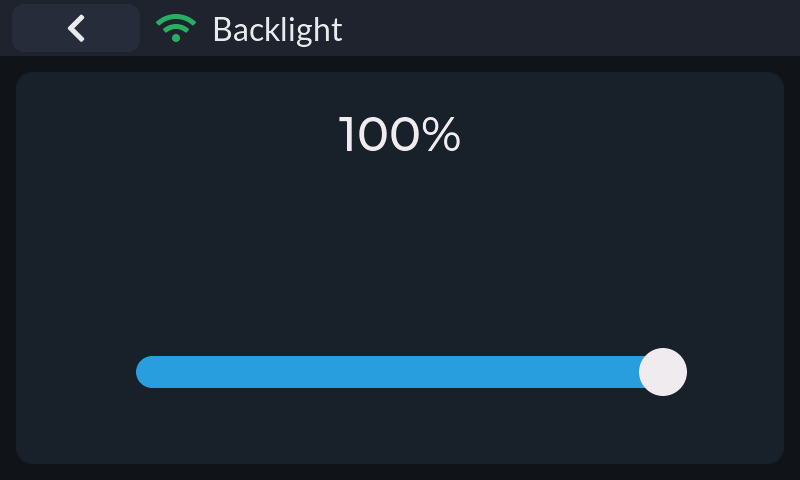
Large percentage readout plus a slider (5–100%, floored at 5% so the screen can never go fully dark). The value is written to flash only when you release the slider.
Wi-Fi
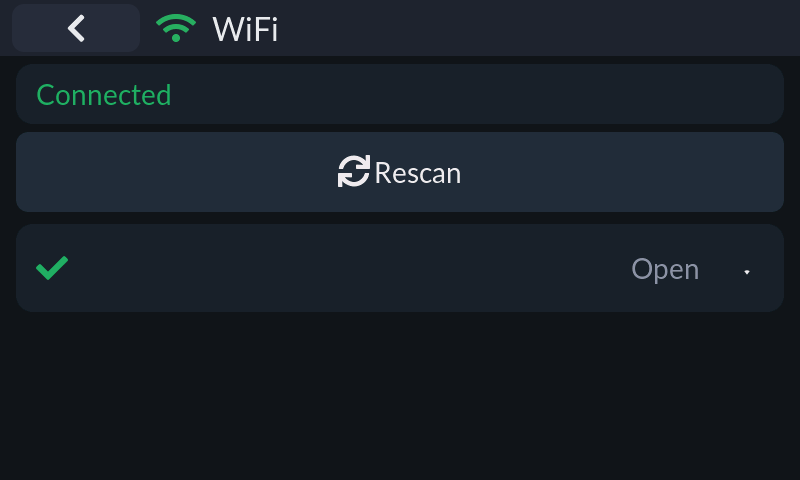
Status card (connected SSID + IP), a scannable AP list with encryption and signal-strength icons, password entry for secured networks, and a connection progress overlay with timeout. Credentials persist and reconnect on boot. Available on ESP32, Windows (netsh) and Linux (nmcli).
Language
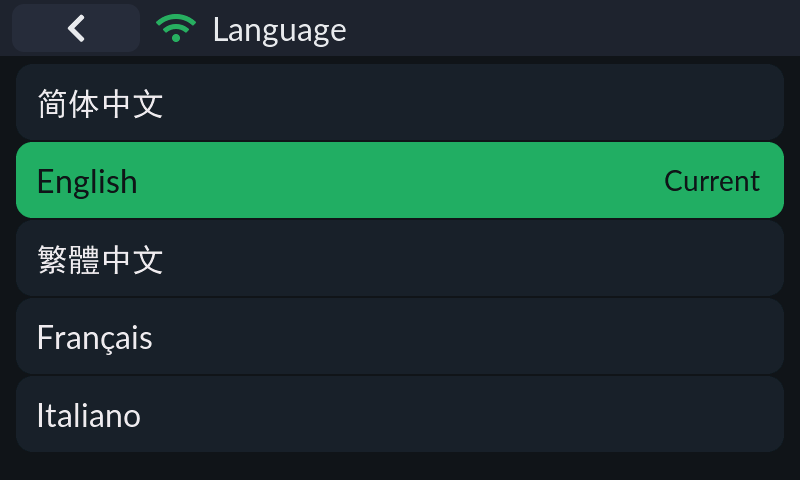
UI language selection with the active one highlighted. ESP32 reboots into the new language; desktop builds rebuild the UI in place without a restart.
About
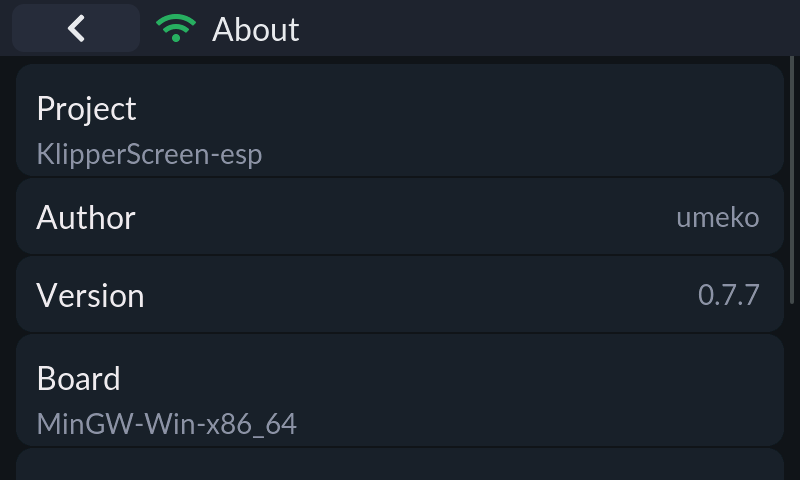
Version, board/build target, framework versions (ESP-IDF / SDL2, LVGL), repository link and license. Linux-host and Android builds also get the self-update entry here.
Bambu Lab
Link mode
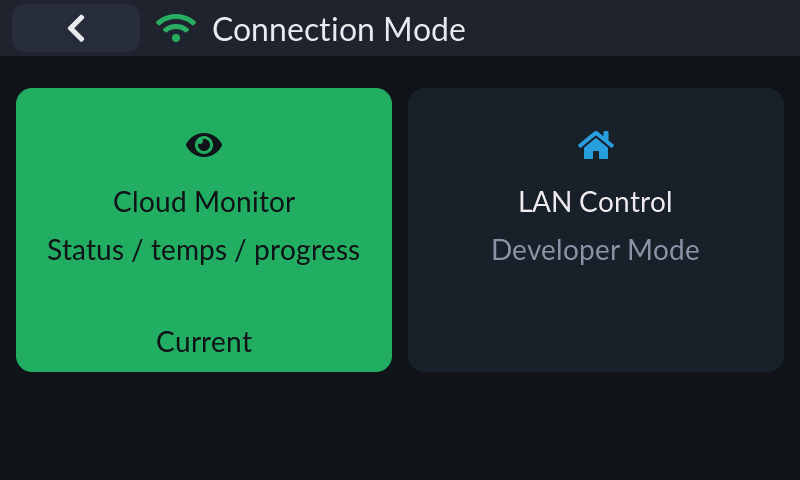
Chooses how a Bambu slot talks: cloud monitor (status/temperatures/progress, read-only) or LAN control (developer mode).
Bambu account
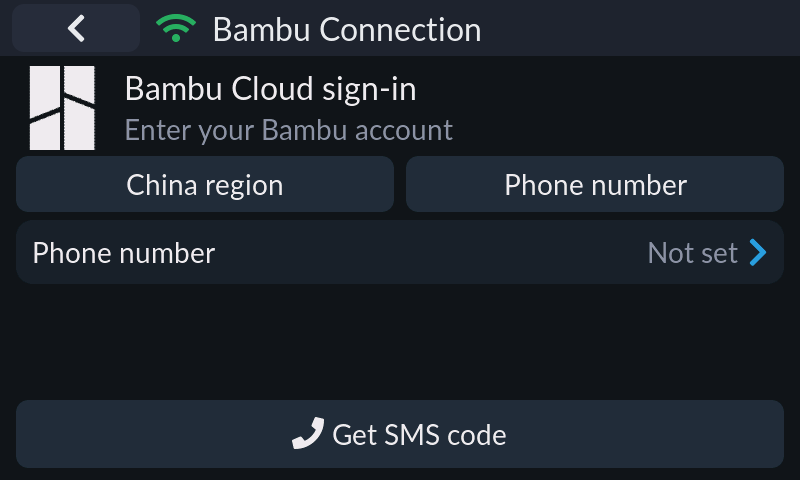
Bambu cloud sign-in and device binding: region selector (China/Global), phone-number + SMS-code or email + password login, TFA/verification-code flow, then a pick list of the account's printers with online state. The selection persists as the slot's bound device.